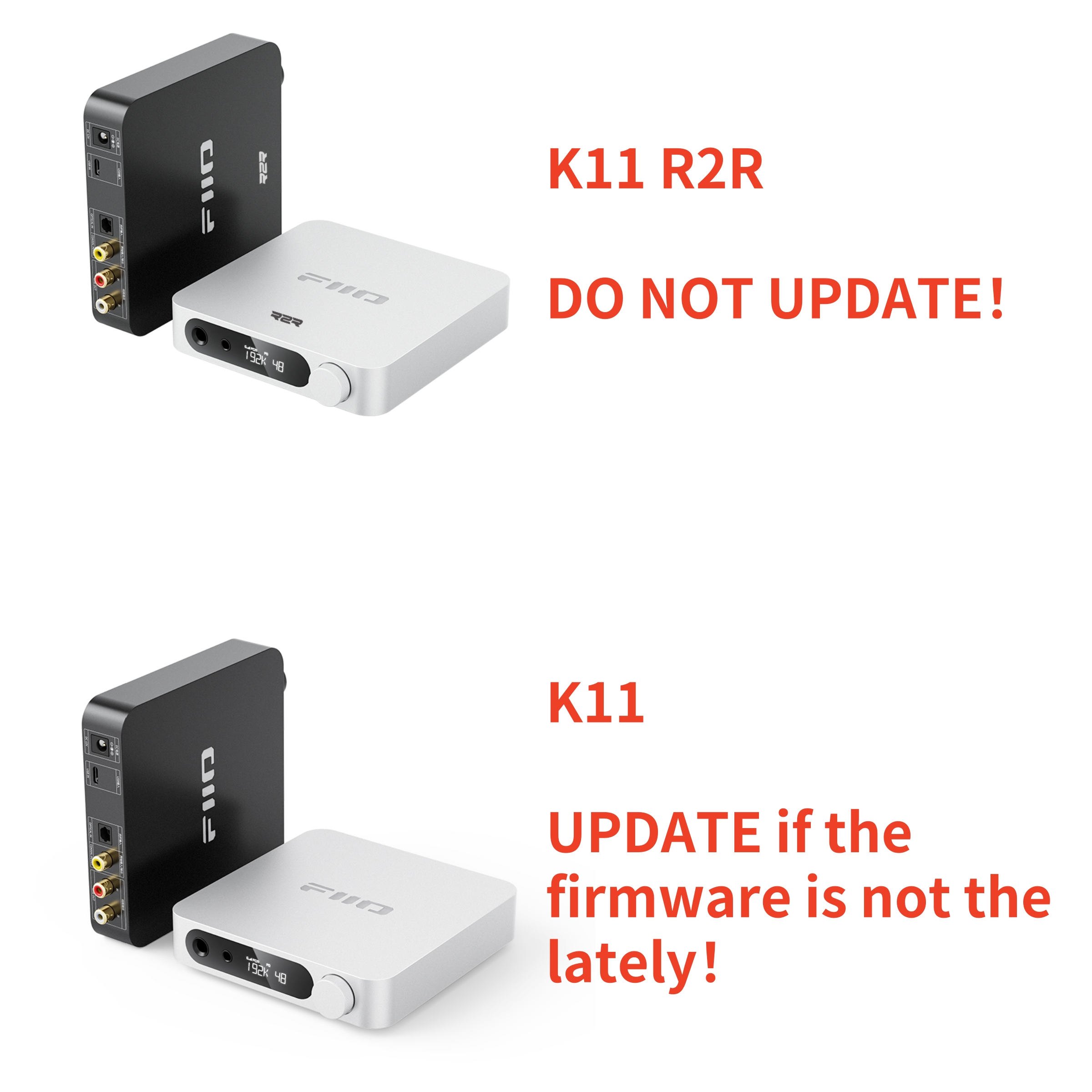
How to check the firmware version:
Hi, you could go to the setting menu and find the FWxxxx option, then you could find the firmware version.
Settings menu: Turn on the device. On the homepage, hold the volume knob for about 2s to enter the Settings menu. Rotate the knob to switch between different settings. When the current setting needs to be changed, short press the volume knob, and there will be flashing characters showing up on the menu. At this time, rotate the knob to switch between different settings, and short press the knob to confirm the setting. Then, the new setting will take effect with no character flashing anymore. Other settings can still be changed.
K11 V122 firmware content:
1. Solve the problem of jamming when decoding 32KHz sampling in OPT mode
and unplugging and plugging in the OPT cable;
2. Solve the problem of not being able to power on after shutting down in OPT mode.
K11 V122 firmware download link: Click here
K11 V114 firmware content:
1. Optimize the problem that USB DAC playback has a probability of automatically
recovering after 1 ~ 2 seconds of discontinuous sound;
2. Optimize the problem that the sound output may be delayed by 2 seconds during
the first playback;
3. Optimizing the playback of certain tracks will cause noise problems.
K11 V114 firmware download link: Click here




 简体中文
简体中文